
Scrap Train Standards - Community Project
by Nothing Mod & xX_Fighter_Xx
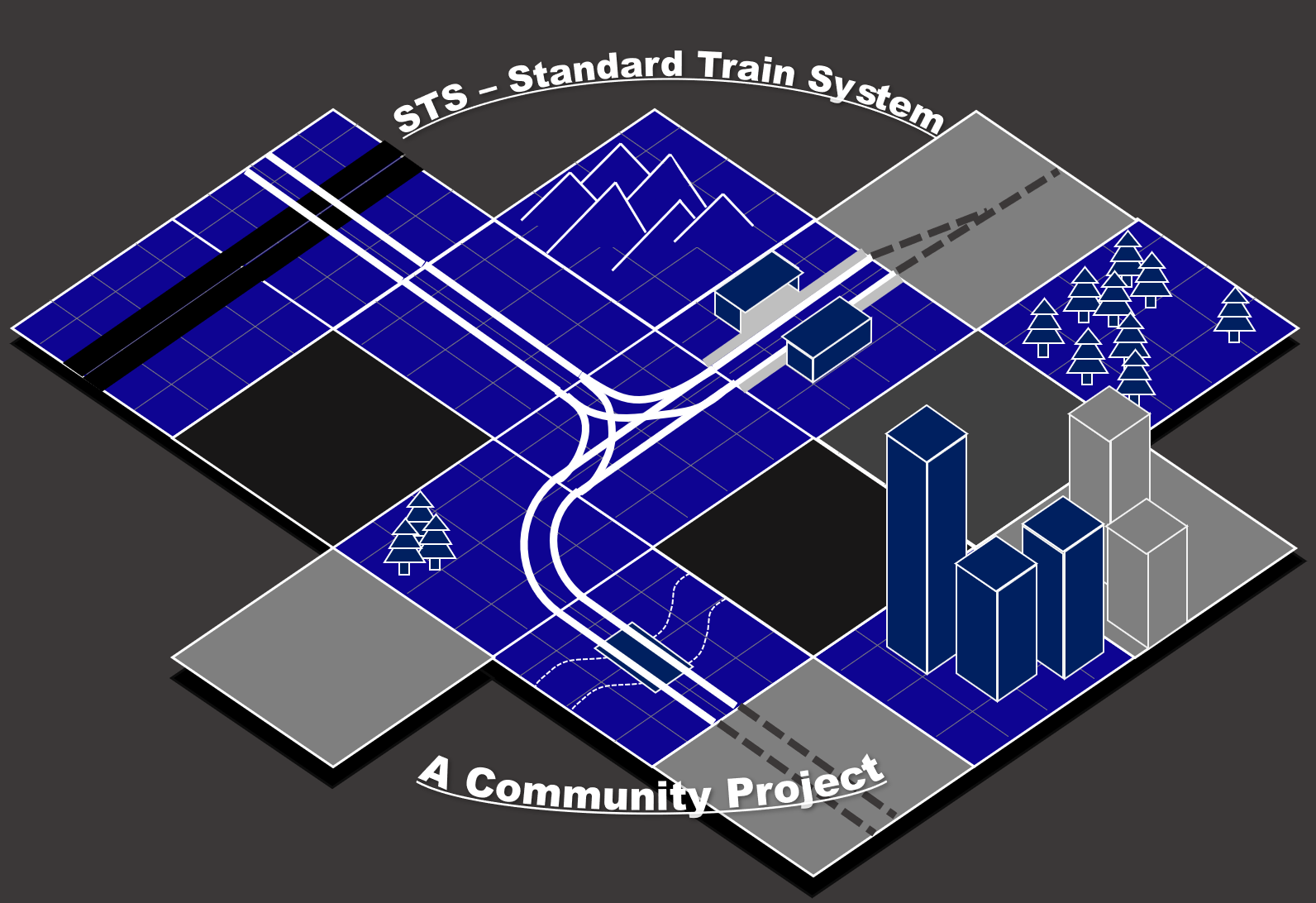
Scrap Mechanic - Scrap Train Standards github.com/xX-Fighter-Xx/STS The Goal of this Project is to make more of the Workshop Tiles compatible with each other through Standardization. This will allow for many combinations of tiles and make it easy for everyone to create a unique World fitting their Playstyle. How do I contribute? When Creating a Tile with Train Tracks on it try to follow the given Standards as much as Possible When uploading the Tile to the Workshop add the term “STS” in the Title or description to make it easy for people to sort for compatible Tiles Why these Standards? Allows for a wide Range of possible trains to fit into resulting tiles. Prevents lag by spacing Trains a bit further from each other. Allows for players on all Physics settings to use the tiles. Note: For Switches and other special pieces of track use the ones on the provided “Replacement Rails” Tile as those have been tested for a while now and work well for most situations. If nothing fits your desired Piece feel free to create your own Track with the Standalone Parts E.g., Custom Radius Curves, Special Switches, Crossings etc. (one square in the Tile builder Grid corresponds to 1 Block ingame) !IMPORTANT! 1 Block does NOT equal 1.00 in the coordinates but 0.25! How do I get the Replacement Rails tile into my Tile editor and copy the Rails from there? Download the Replacement Rails Tile from GitHub and paste it into the following folder AppData\Roaming\Axolot Games\Scrap Mechanic\User\User_ID\Tiles Then open it in your Tile editor like you would any other tile. Additionally, more Template tiles can be found on GitHub as well. Copy and Paste between Tiles: Select all assets of your desired Piece of Track RMB and select COPY in the menu (Do not do Ctrl+C as that might not copy everything properly) Switch to your Tile and hit Ctrl+V to paste A like and Favorite would help out a lot to show this to more People, Thankyou :)
Comments
0 total- No comments yet. Be first.