
SM-PC12 Computer (Working and Vanilla!)
by rubAdoot
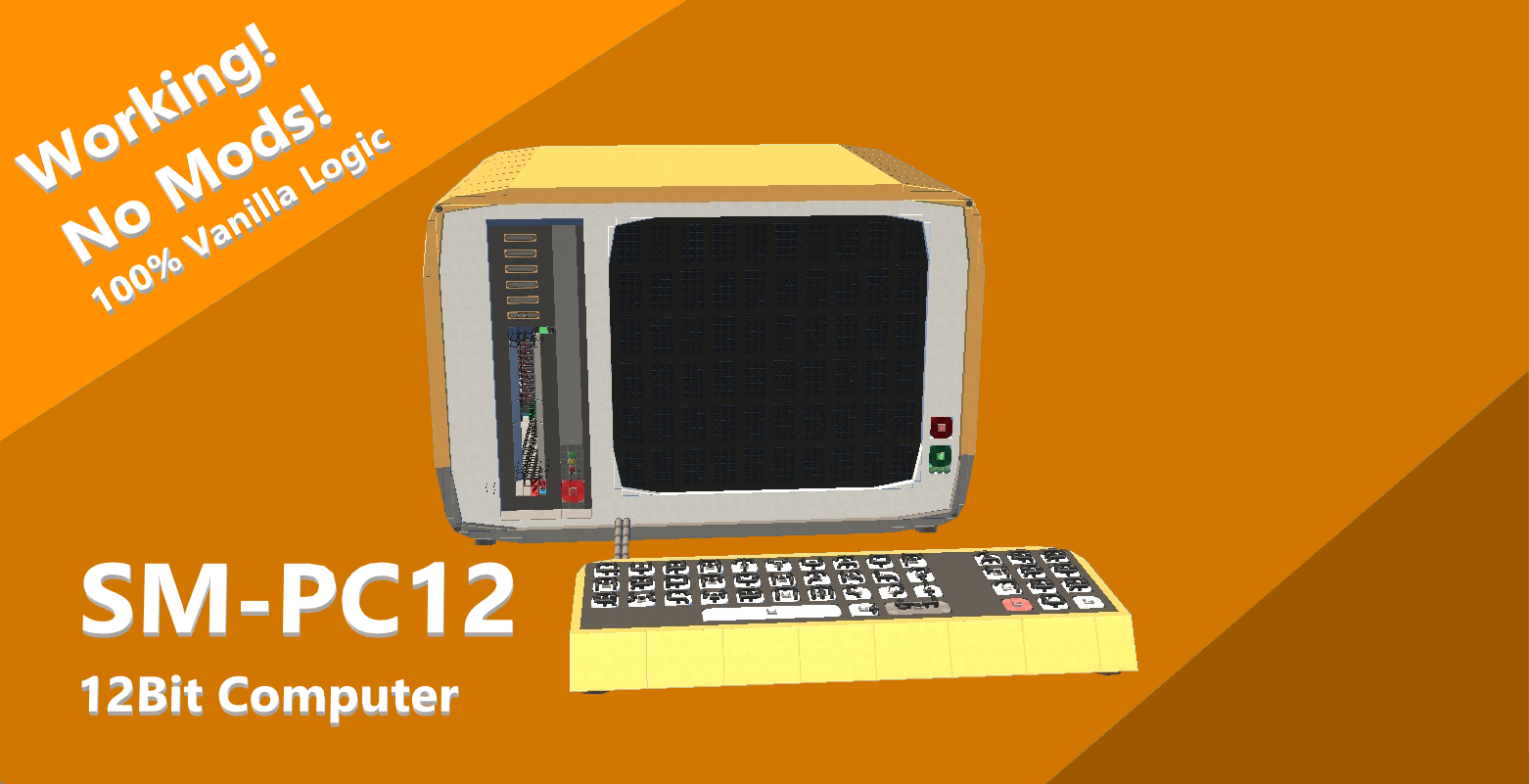
A more capable Vanilla 12Bit computer than its predecessor (The SM-PC8) The Scrap Mechanic - Personal Computer 12 features a full qwerty keyboard and the ability for the computer to read in a user input. It also featured a 10 X 6 Character display which works via shift registers making it quick at displaying information. Press the green button next to the screen to run the program, Press the red button near the screen to reset and press the button near the spud gun to eject the cartridge. -- TO USE: -- Place a cardboard block next to the spud gun and then weld the red caution block on the cartridge (Cartridges seperate on my workshop) and hit the green button next to the screen to run. The indicator light will turn from red to flashing yellow as it blasts the data into ROM and then green when its ready. Once you are done press the eject button and try out a different cartridge :) -- TO PROGRAM: -- Use the table in the image to either manually paint the 1s and 0s onto a blank cartridge (Also seperate on my workshop) or use my python emulator (https://github.com/Aydan314/ScrapMechanicSM-PC12emulator) to write in its assembly language then have the program output the machine code to paint. (The emulator now has more features such as direct character to number conversion and line tagging making branching to lines easier) NOTES: * Upon storing a value in address 14 the value will be printed to the screen as a character *Upon storing a value in address 15 the value will be printed as a number * Characters are formatted as follows: 0 is blank 1 - 26 are letters 27 - 31 are punctuation 31 - 41 didgets 0 to 9 48 = new line("/n") 49 = clear line("/c") 50 = wipe screen("/w")
Comments
0 total- No comments yet. Be first.