Super SunShakes™ Fly Mod
by Cogster
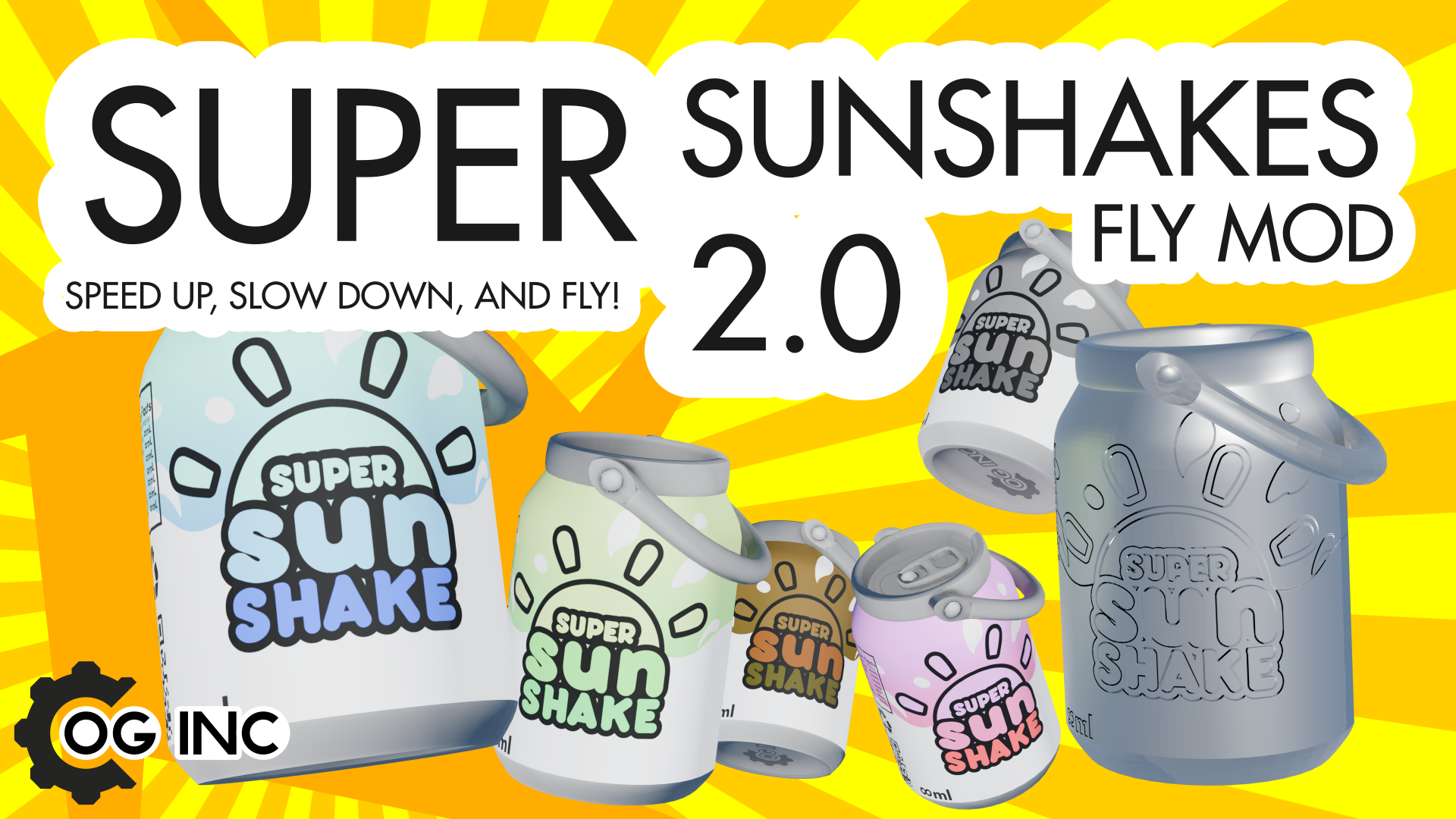
WARNING FOR ANYONE WHO USES 00FANT'S TOOLS MOD: His "Advanced" Tools mod will constantly reset player speed multiplier, so speed effects in this mod won't work. I cannot fix this myself, and after asking 00Fant to change this, he said nothing, blocked me, and banned me from his discord for seemingly no reason. (Other than I pointed out a flaw in his mod, and he is too narcissistic to fix it, and says its someone else's fault.) Try disabling his mod and look for alternatives, such as this mod and Ben Bingo's Block and Part Editor. Previous patch notes in the changelog tab at the top, beside comments. Less Hotbar Update: (Jun 1st, 2025, 2.1) SilverShake™ now is ONLY used to open the mod settings menu. FlyShake™ multitool - the FlyShake™ now can be used as a combination of the other speed shakes with 1 new keybind to speed up and slow down. You can now speed up to 4x speed using this shake. However it cannot go as fast as the TurboShake™. This is meant to reduce the inventory space for this mod to 1 slot. All SpeedShakes™️ now are a speed toggle instead of setting speed. Now if I am already at the speed that the shake would set me to, it resets my speed back to 1. Because this was a quick update the gifs in the description have not been updated. [hr[/hr Super SunShakes™! Of all colors and kinds! Speed up, slow down, and FLY! DISCLAIMER: Creations Of Greatness Inc, LLC is not responsible for any harm done to the customers, including death. May cause lead poisioning, time dilation, or complete destruction of the 4D space-time continuum. These are all the Super SunShakes™ currently in the mod: FlyShake™ With a sip of this magical energy shake, you will have the powers to FLY! Click to drink, which ascends your inner woc. Drinking again convinces your inner woc to obey Newton. Effects based upon the flight mode selected in settings. When used while the world's gravity is altered, you may sink or float constantly. You can also press Q and R to speedup and reset speed, which basically makes this one item the only one needed in the hotbar. SpeedShake™ With a sip of this magical energy shake, you will accelerate to 4x your normal speed! Click to drink, which accelerates your inner woc. Use of this beverage without levitation may cause falling through the ground. You can reset speed to normal using this shake. SlowShake™ With a sip of this magical energy shake, you will decelerate to half of your normal speed! Click to drink, which decelerates your inner woc. Use of this beverage may result in losing any marathon you join. You can reset speed to normal using this shake. TurboShake™ With a sip of this magical energy shake, you will accelerate to 10x your normal speed! Click to drink, which accelerates your inner woc. Use of this beverage without levitation may cause falling through the ground. You can reset speed to normal using this shake. ResetShake™ With a sip of this magical energy shake, you will calm your inner woc and return to your normal speed! Click to drink, which calms your inner woc. Use of this beverage without levitation may cause falling through the ground. SilverShake™ This metallic Super SunShake™ has the ability to affect the function of other shakes. ACCESS MOD SETTINGS HERE TO TURN OFF BUBBLES. [hr[/hr When holding your force build key, (usually F) you can place down any Super SunShake™ you want besides SilverShake™. You can then directly drink these physical shakes instead of using a tool. You can also see all the details on the cool new textures this way, such as the ingredients list and QR code. Fun fact: These placeable versions used to be the ONLY way to use the mod. You were required to place one down and then use it. I later changed it in the 1.0 update, which introduced tool variations, although they had no visuals at all and were very primitive. [hr[/hr There are also a few commands you can use instead: /sfly - Toggles fly mode. /speed (multipier) - Sets your speed multiplier to the inputted number. Decimals do work. 1 for default, 2 for double, 3 triple, etc. Setting it negative reverses your movement, setting it to 0 locks you in place.
Comments
0 total- No comments yet. Be first.