
Invalid Joint Position Fixer
by Ben Bingo
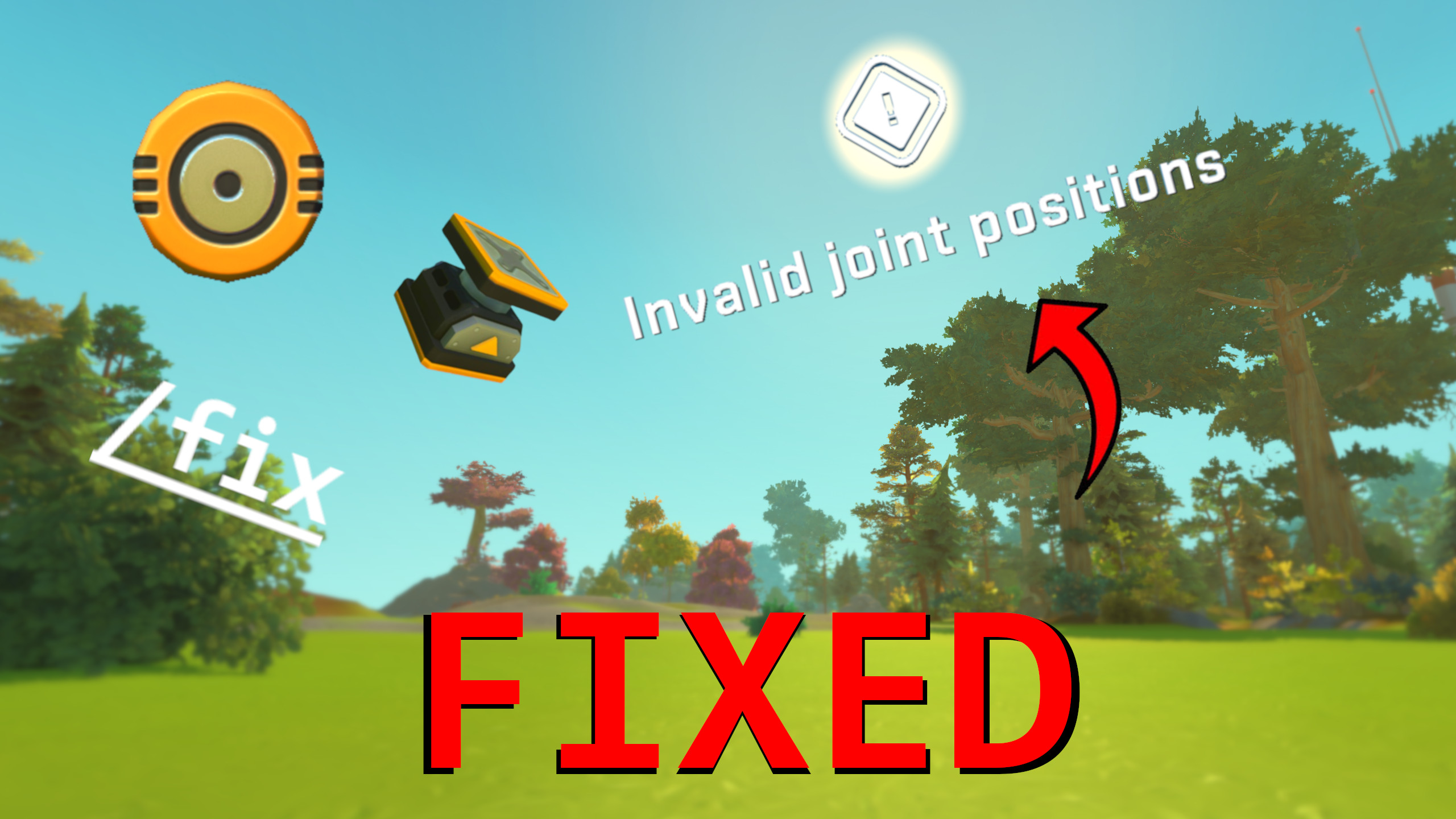
Please read! Below is a guide on how to use this mod, it is not as simple as adding it to your world and giving things the ability to spawn in with invalid joints (although that would be quite nice). PLEASE NOTE!: You must have a legit version of Scrap Mechanic for this mod to work. How to find your blueprint file First of all you need to locate the blueprint file you wish to fix, if the blueprint is stored on your lift, do the following: Go to C:\Users\<Your User>\AppData\Roaming\Axolot Games\Scrap Mechanic\User\User_<SteamID>\Blueprints, this is where all your blueprints are stored. Next, you need to search for the correct folder that your blueprint file is located in, my personal method is using the search feature in a text editor like VSCode, but you can also search based on time updated etc. Once you have found the correct folder for your blueprint, go into that folder and copy the 'blueprint.json' file, this is the file you are going to put into the mod. How to move the file to the mod Once you have your blueprint file, you will need to locate this mod's local files. Make sure you have subscribed the mod and go to <Your steam folder directory>\Steam\steamapps\workshop\content\387990\3415417597. You will then see a folder called 'Put Your Blueprint File In Here!'. Do as it says and put the blueprint.json file inside that folder. How to spawn in your build Load up a world and type the command '/fix' followed by the name of the file you put inside the mods folder, if you haven't changed its name it should just be 'blueprint.json', so the command would be '/fix blueprint.json'. If the '/fix' command isn't working for you, try the fix interactable in your inventory. All you have to do is interact with it and type the same name in the text box as you would in the command, so 'blueprint.json' if you haven't changed the name, and press the fix button. Your game may freeze for a second or two as the tool is iterating through the blueprints data, your wait time depends on how big of a build it is. Once your wait time is over your creation should spawn in the direction you are looking! If your creation is stuck in mid-air, try to locate the logic gates that are placed nearby and delete all of them, they are supposed to get deleted to un-stick the creation, but if its large, they don't get deleted. Any bugs or suggestions feel free to let me know, and ill deal with it as fast as I can. A like and favourite would also be greatly appreciated! Hope you guys enjoy.
Comments
0 total- No comments yet. Be first.