
Block Editor | Blueprint Editor
by unknown81311
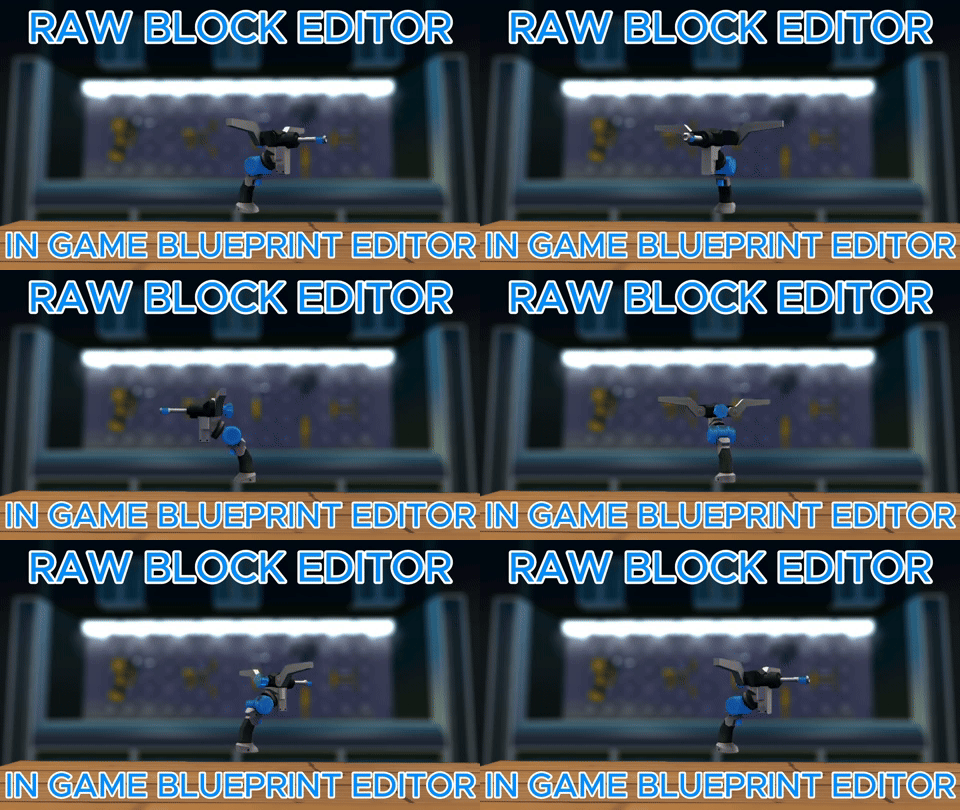
First Edition: August 19, 2022 Making it better all the time! Tired of editing blueprint files manually? Want a more convenient way to edit while in-game? Our tool is the ultimate solution for all your block modification needs. Easily move parts to optimize your creation with intuitive arrow controls. This user-friendly tool displays only the JSON data of the shapes you've selected, allowing for quick edits without the hassle of scrolling through hundreds of lines in a file. Additionally, the tool beautifies the JSON and adds color to it with syntax highlighting. This means that the data is neatly organized and color-coded, making it much easier to read and understand, even if you don't have any programming experience. Please post any bugs in our Discord. [*LMB (Primary): select and edit [*RMB (Secondary): select [*Double RMB (Secondary): select body (or select joints of parent body if double-clicking a joint) [*Q (Next Rotation): toggle fly [*F (Force Build): repeat the last change on the selected shape [*R (Reload): open settings, including different directional settings, tool color, and fly type ("dive" or not) Feel free to ask if you need further assistance!
Comments
0 total- No comments yet. Be first.