Duplicator Tool
by Danzen
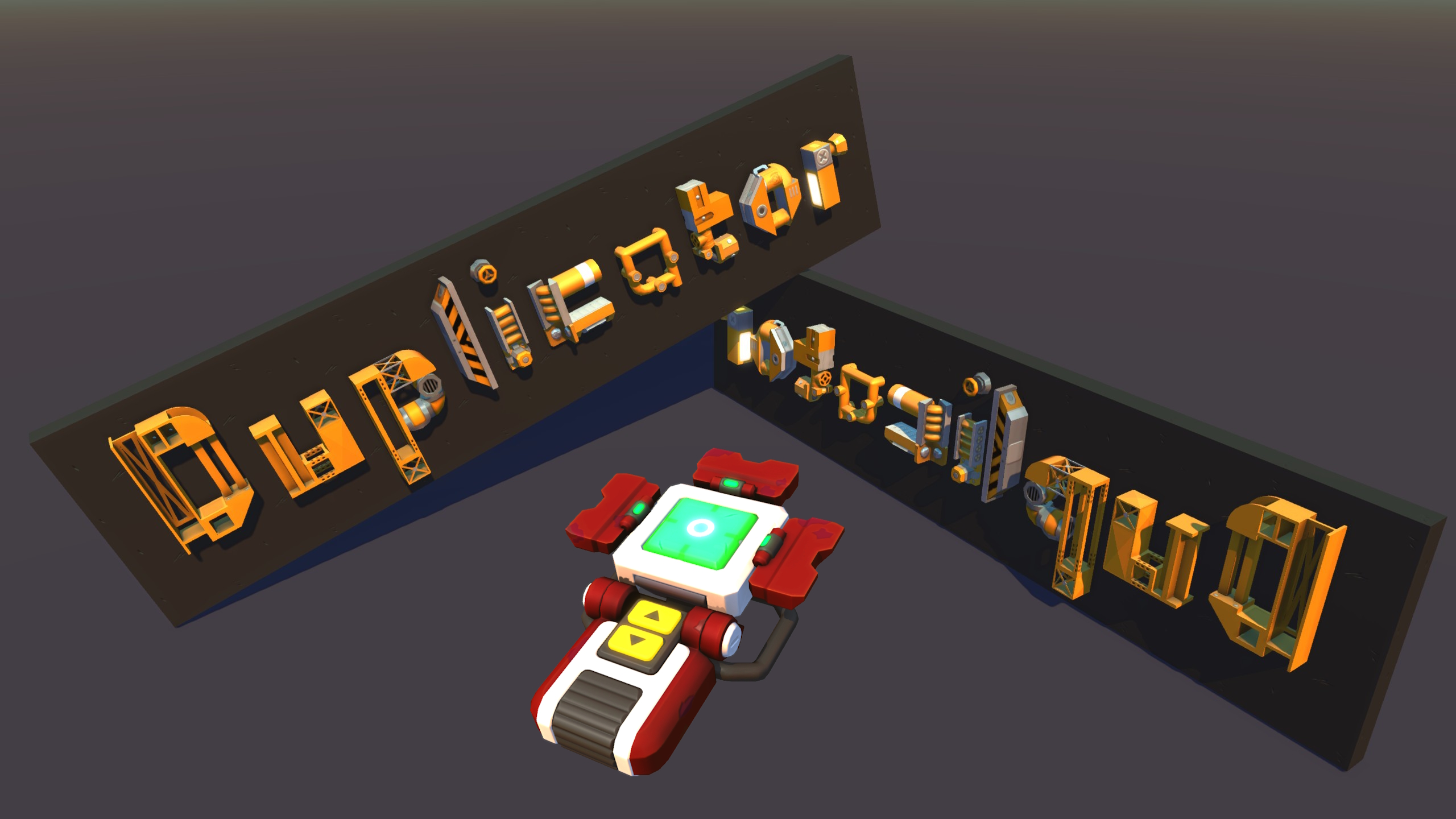
This tool allows you to select multiple bodies and duplicate/mirror them Update 04/09/2023 [*Added new parts from update 0.7.3 [*Added support for draggable wedge mirroring Update 04/09/2023 [*Added support for the majority of survival parts and all challenge parts [*Recoloured the tool model, no longer uses default texture [*Added different text colours to the modes (blue for Select, green for Build) to better differentiate them at a glance [*Mirrored Build Mode is made more apparent by colouring the "M" in violet [*Simplified selection info, number of joints are no longer displayed [*The demo video is no longer 100% accurate because of this [hr[/hr Select Mode [*Left click (default for Build/Primary) to select a body [*Right click (default for Remove/Secondary) to deselect a body [*F (default for Force Build) to cycle save slots [*Hold F (default for Force Build) to save selected bodies to current slot [*R (default for Reload) to switch to Build Mode [*Double clicking selects/deselects a body and its immediate child bodies (the body on which you first place a joint is the parent, and anything you build on the other end of the joint is the child) [*Triple clicking selects/deselects a body and all its descendant bodies Build Mode [*Left click (default for Build/Primary) to spawn saved bodies of the current slot [*Q (default for Next Rotation) to rotate/mirror creation (a violet "M" is displayed to indicate mirrored build mode) [*F (default for Force Build) to cycle save slots [*R (default for Reload) to switch to Select Mode [hr[/hr Notes [*The save slot number (1-3) is shown in square brackets [ before the tool mode [*The number of selected bodies is shown after the tool mode [*An asterisk (*) will appear at the end of the number of selected bodies if the selection is disjointed (one or more bodies are not connected to the others) [*If every body of a creation has been selected, the number of selected bodies will be enclosed in brackets ( ) [*Selecting a body will select all joints that it is the parent of [*Interactable settings are preserved in the copies and bearing directions are reversed when mirrored [*Only works for creative mode parts, challenge mode parts, and majority of survival mode parts [*Shift+Q (rotating/mirroring in reverse order) does not yet work (broken SM API feature) [*There are no collision checks (yet, maybe) when spawning creations, be prepared for a bad time if you spawn into other objects [*Unpredictable outcomes may occur if a creation is modified while selecting or saving
Comments
0 total- No comments yet. Be first.