
Builder Bot - Companion Bot - Updated
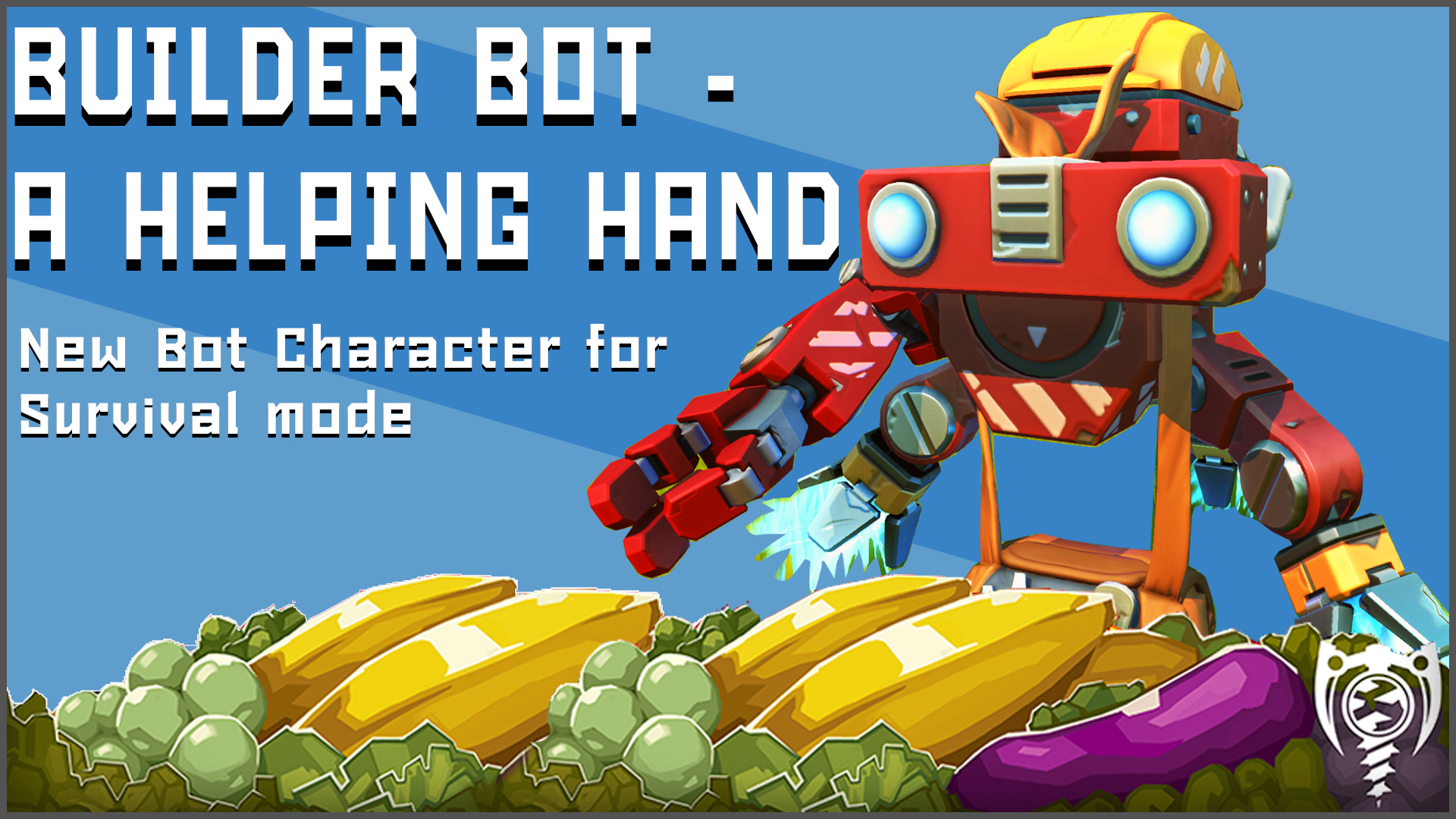
BUILDER BOT MOD This mod adds another character ( bot ) to the game, which can follow you and help you on your daily tasks. Update Details: [* Updated mod to work with 0.6.5+ version of the game Features: [* When you Press E on it, you can make him follow you [* You can change BuilderBot color by painting the chest [* It can refine resources such as wood, stone or metal [* It throws a corn if sees a Woc or Duck in front ( with 3 minutes intervals ) [* It will attack Haybot,Totebot and Tapebots if present [* It turns on the light if its night time [* It uses a battery to refine resources, to re-charge, simply place 1 battery near it [* It will stop refining , if you get too far from it [* It will stop attacking enemies if they get too far from it [* You can make him guard some specific spot, if you make him stop follow [* It will refuse to follow or take commands, if you hit or shot him ( 10 seconds ) [* You can paint Builder Bot with a paint tool Usage: Place a chest ( from the mod ) on the ground and press E on it, to spawn a bot How to install: 1. Open SM game/Data/Character/charactersets.json wtih any text editor under "characterSetList": line copy: "$CONTENT_a28ddaa4-2569-436b-8f5d-e8e309b5e7f0/Character/Char_builderbot/builderbot.json", 2. Open SM game/Data/Scripts/game/BasePlayer.lua 2.1 At top of the file copy: dofile "$CONTENT_a28ddaa4-2569-436b-8f5d-e8e309b5e7f0/Scripts/BuilderDoFile.lua" 2.2 Search for function BasePlayer.server_onCreate( self ) , under it copy: onCreate_BotHook(self) 2.3 Search for function BasePlayer.client_onInteract( self, character, state ) , before "end" copy: onInteract_BotHook(self,character,state) 2.4 Search for function BasePlayer.server_onFixedUpdate( self, dt ) , before "end" copy: onFixedUpdate_BotHook(self,dt) DONE How to install Survival: 1. Open SM game/Survival/Character/charactersets.json wtih any text editor under "characterSetList": line copy: "$CONTENT_a28ddaa4-2569-436b-8f5d-e8e309b5e7f0/Character/Char_builderbot/builderbot.json", 2. Open SM game/Data/Effects/Database/effectsets.json, under first [ symbol copy: { "path":"$CONTENT_a28ddaa4-2569-436b-8f5d-e8e309b5e7f0/Effects/Database/EffectSets/builder_fx.json", "showInEditor": false }, 3. Open SM game/Survival/Objects/Database/shapesets.json, under first [ symbol copy: "$CONTENT_a28ddaa4-2569-436b-8f5d-e8e309b5e7f0/Objects/Database/ShapeSets/parts.json", 4. Open SM game/Data/Scripts/game/BasePlayer.lua 4.1 At top of the file copy: dofile "$CONTENT_a28ddaa4-2569-436b-8f5d-e8e309b5e7f0/Scripts/BuilderDoFile.lua" 4.2 Search for function BasePlayer.server_onCreate( self ) , under it copy: onCreate_BotHook(self) 4.3 Search for function BasePlayer.client_onInteract( self, character, state ) ,before "end" copy: onInteract_BotHook(self,character,state) 4.4 Search for function BasePlayer.server_onFixedUpdate( self, dt ) ,before "end" copy: onFixedUpdate_BotHook(self,dt) 5. Open SM game/Survival/CraftingRecipes/craftbot.json, under first [ symbol copy: { "itemId": "526e4451-313b-4907-9792-8465b3e5ca6e", "quantity": 1,"craftTime": 5, "ingredientList": [ { "quantity": 1, "itemId": "8aedf6c2-94e1-4506-89d4-a0227c552f1e" } }, { "itemId": "63392ff0-7ffb-4a91-9539-391d7f996a95", "quantity": 1,"craftTime": 5, "ingredientList": [ { "quantity": 1, "itemId": "8aedf6c2-94e1-4506-89d4-a0227c552f1e" } }, DONE In Craftbot look for a part without icon or description, although you can replace IconMap as well, from overwrite folder ---------------------------------------------------------- MOD FOLDER: C:\Program Files (x86)\Steam\steamapps\workshop\content\387990\2238883526 ----------------------------------------------------------- Special Thanks to guys on SM Discord: TheGuy920, TechnologicNick, wingcomstriker405 and Brent Batch
Comments
0 total- No comments yet. Be first.