
DriveShaft MOD
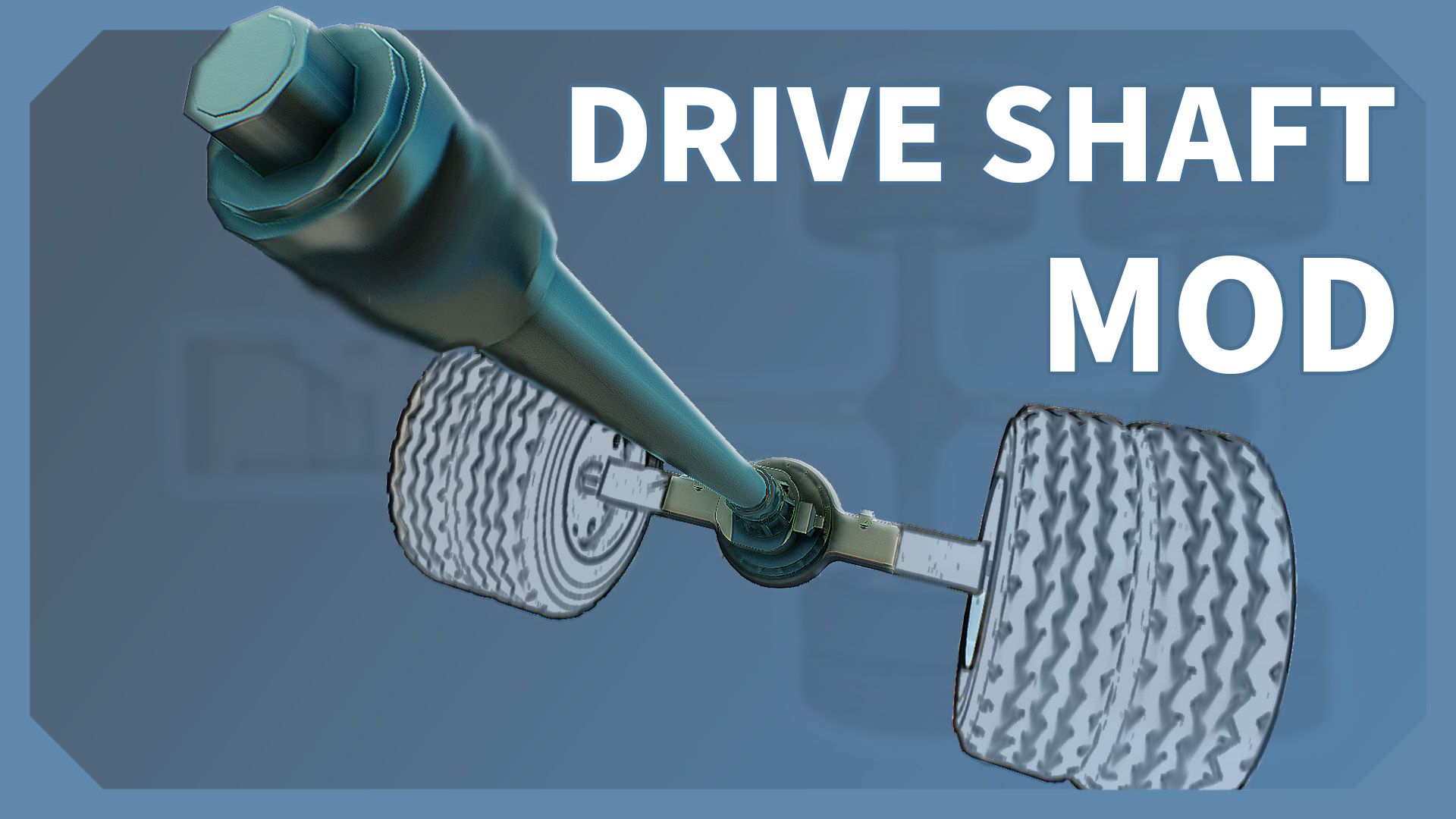
DriveShaft Mod We're currently focused on other projects, so updates and feedback for this mod will be slower. Thanks for your patience. This mod adds a drive shaft system to Scrap Mechanic. You can generate double universal-joint drive shafts between any two points on your vehicle's chassis — they flex naturally with suspension travel and spin along with your wheels. The mod also includes functional parts such as differential drives, power diffs, and a transfer case, bringing more realistic drivetrain mechanics to your builds. Supports both Chinese and English. The image above shows the three basic parts — Sensor, Node, and Controller — and how they connect. [hr[/hr 1. Visual Drive Shafts [*Drive Shaft Node — endpoints of a drive shaft, available in 1x1, 1x2, and 2x2 sizes [*Drive Shaft Controller — manages shaft rendering, press E to open settings [*Speed Sensor (optional) — mount on wheels or other rotating parts to make the shafts spin How to use: Place two nodes and connect them with the Connect Tool, then place a controller and connect it to either node — the drive shaft appears instantly. Press E to adjust color, U-joint size (0.25–10), shaft thickness, and the telescopic sleeve (when enabled, the shaft renders as two sliding sleeves — a purely visual effect, great for vehicles with suspension travel). A single controller can manage multiple node pairs; nodes are paired sequentially, with a shaft rendered between each pair. Rotation: Drive shafts are static by default. Two ways to make them spin: [*Speed Sensor — connect to the controller; all shafts under that controller spin at the sensor's detected speed. Supports a multiplier (-10 to 10) and reverse output. [*Direct detection — if a node at either end of the chain sits on a bearing, that shaft pair automatically picks up the bearing's rotation. Ideal when nodes are already at the axle bearing positions. For vehicles with multiple shafts, using a sensor is recommended: one sensor on one wheel feeds all shafts through the controller, saving bearings and improving performance. Paint any node in a group to change the color of the entire shaft set, or enter a HEX value in the settings panel. [hr[/hr 2. Differential Drive The vanilla game has no advanced differential system. The Differential Drive introduces a physics-based differential simulation. It is an all-in-one engine + drive bridge + differential unit, available in standard (5-wide) and compact (3-wide) sizes. How to use: Place it at the axle position with bearings and wheels on each side. Press E to choose an engine type (Gas / Electric / V6 / V8) and adjust power and torque gears. In open-diff mode, inner and outer wheels naturally split speed during turns. Locked-diff forces both wheels to the same speed — useful for off-road traction. The mode can be toggled in settings or flipped in real time via a logic signal input. V6 / V8 parameters are based on the Legend Mod, with independently adjustable speed and torque gears. [hr[/hr 3. Power Transmission (Experimental) Unlike the self-powered Differential Drive, the power transmission system is a pure drivetrain — it reads rotation from one bearing, relays it through a node chain, and drives bearings at the other end. Both input and output sides connect through power shaft node chains. [*Power Shaft Node — relay node for the power chain; place on a bearing to detect rotation [*Power Output Port — compact endpoint that replaces a long node chain tail, used to connect to bearings [*Power Diff (standard / compact) — pure differential; reads input speed and drives output bearings [*Transfer Case — one-input, two-output power distributor Power Diff usage: Place a power node on the input bearing to detect rotation. Chain nodes in pairs (an even number is required for correct shaft rendering) and connect the chain to the Power Diff input. On the output side, use node chains or a Power Output Port to reach the wheel bearings. Adjust drive force in the controller or Power Diff settings. [Node chain / Port -> Bearing -> L wheel / Engine -> Bearing -> [Power nodes -> [Power Diff (input) (diff) \ [Node chain / Port -> Bearing -> R wheel The Power Diff also supports open and locked differential modes. Press E to adjust. Transfer Case usage: Splits one power input to two output axles, typically for a part-time 4WD setup (manual 2WD / 4WD switching). In 4WD mode it includes a center differential: open diff allows front and rear axles to rotate at different speeds; locked diff forces them to match. Connect the power source to the transfer case via a node chain; on the output side, run separate node chains to the front and rear Power Diffs. The transfer case auto-detects which branch is front and which is rear. [Node chain -> [Power Diff -> Front axle / Engine -> Bearing -> [Nodes -> [Transfer Case \ [Node chain -> [Power Diff -> Rear axle Press E for settings: [*2WD mode — FWD or RWD (which axle stays active in 2WD) [*Default drive — start in 2WD or 4WD [*Differential — center diff defaults to open or locked [*Power split — front/rear ratio (10%–90%) Runtime switching via logic signal inputs: a white logic part toggles 2WD / 4WD; a non-white logic part toggles center diff open / locked. [hr[/hr 4. Truck Engine A standalone engine block that directly drives bearings — great for pairing with visual shafts to give your vehicle an engine model. Press E to adjust speed, torque, three engine sound variants, and model offset / scale. [hr[/hr Notes Mod Load Order Due to UUID conflicts, this mod may cause item mismatches in mods loaded after it. This issue is only visible to non-host players — the host cannot see it. Please load the DriveShaft mod last in your mod list: [*Your other mods [*DriveShaft MOD (keep this loaded last) Public Beta This mod is in public beta. Visual drive shafts are fairly stable; the power transmission system and transfer case are still experimental. If you run into bugs or have suggestions, feel free to leave a comment! Every bit of feedback helps us improve. [hr[/hr Open Source This mod is fully open source, hosted on GitHub: GitHub - Scrap-Mechanic-DriveShaft-MOD Issues and Pull Requests are welcome! [hr[/hr Credits [*Nyako (喵子) — Code [*HUA HUA (桜华) —
Comments
0 total- No comments yet. Be first.