
Kazpy computer 2 (with dvd screensaver program)
by kazpy74
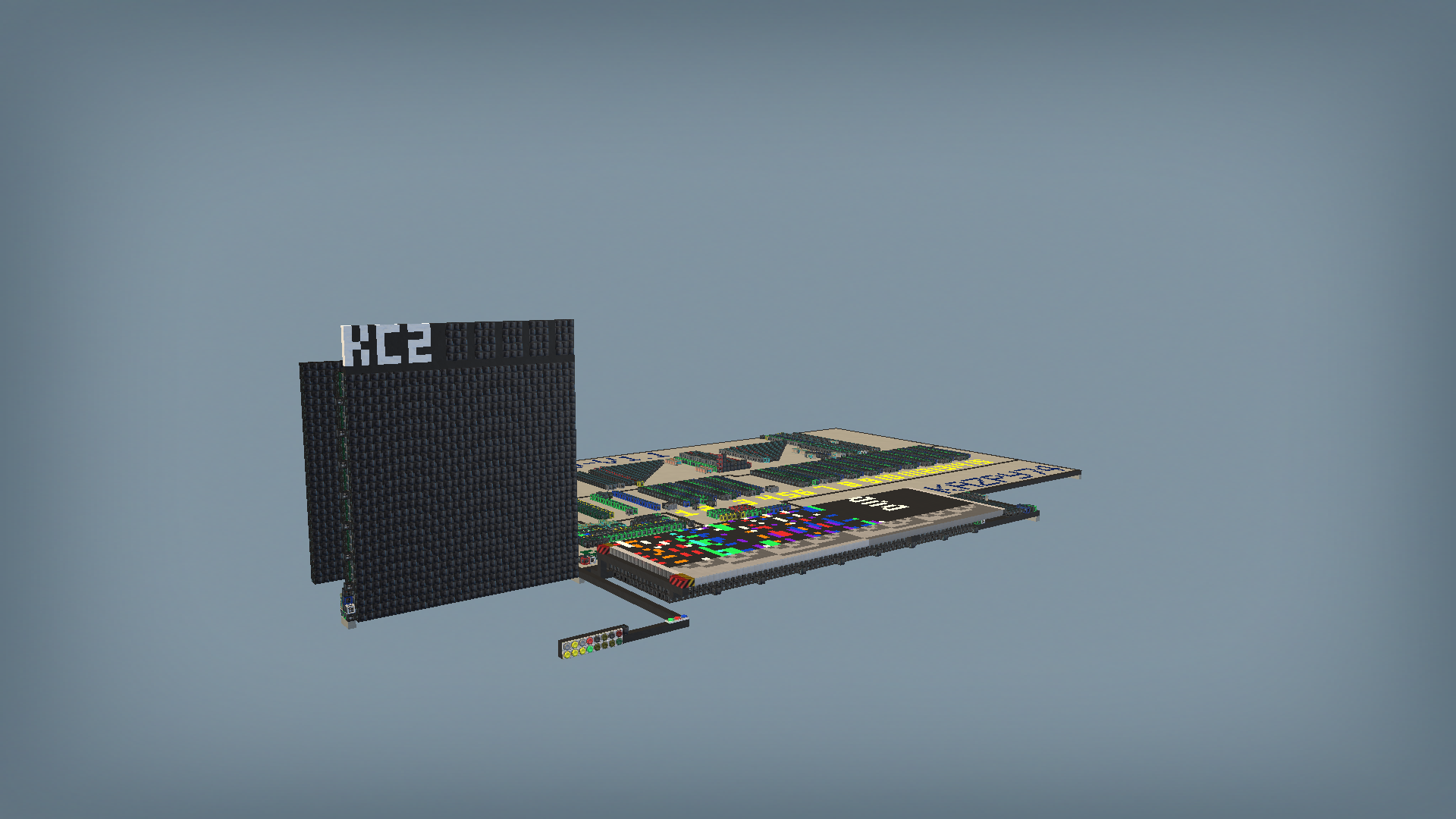
16 bit computer: Includes dvd screensaver program: Start computer: press green button Stop computer: press red button Reset computer: press blue button while stopped. Note: When swapping/modifying the program cards, press the blue reset button to force the card reader to scan the card, otherwise it will use the data it previously scanned 16 buttons at front: computer accessible buttons (unused in dvd screensaver program) DVD screensaver program: will show the screensaver at the front screen number display shows dvd coordinates with y value multiplied by 32 2 additional program cards for the computer: https://steamcommunity.com/sharedfiles/filedetails/?id=3350705564 For programming the computer: The cpu's instructions are available at the CPU's workshop page: https://steamcommunity.com/sharedfiles/filedetails/?id=3338211370 When using the program card to program the computer, know that the card reader's sensors are set to sense the color black. if the card's block are colored black, their corresponding memory bit is set to off. this allows you to use colors to color code the instructions Computer's memory addresses: 0-1 -> tell the cpu to jump to rom location 4 -> read to see what buttons are held 5 -> read to see what buttons were pressed 6 -> like address 5 but if no buttons were pressed it will wait until it gets pressed 15 -> number display (write/read) 27 -> (1 bit) turn on/off 2hz counter 28 -> reading this address will read the counter, writing to this address will cause the cpu to wait until the 2hz counter has a bigger value than the cpu's inputted value. After the waiting period ends it will reset the counter. 29 -> (1 bit) turn on/off screen buffer 30 -> reset buffer 31 -> update screen (show screen buffer) 256-319 -> screen buffer memory space 320-383 -> screen buffer memory space (repeat) Note: the screen buffer operates exactly the same as the 128 byte ram installed on this computer 4096-4159 -> 128 byte ram 32768-32831 -> 128 byte rom
Comments
0 total- No comments yet. Be first.